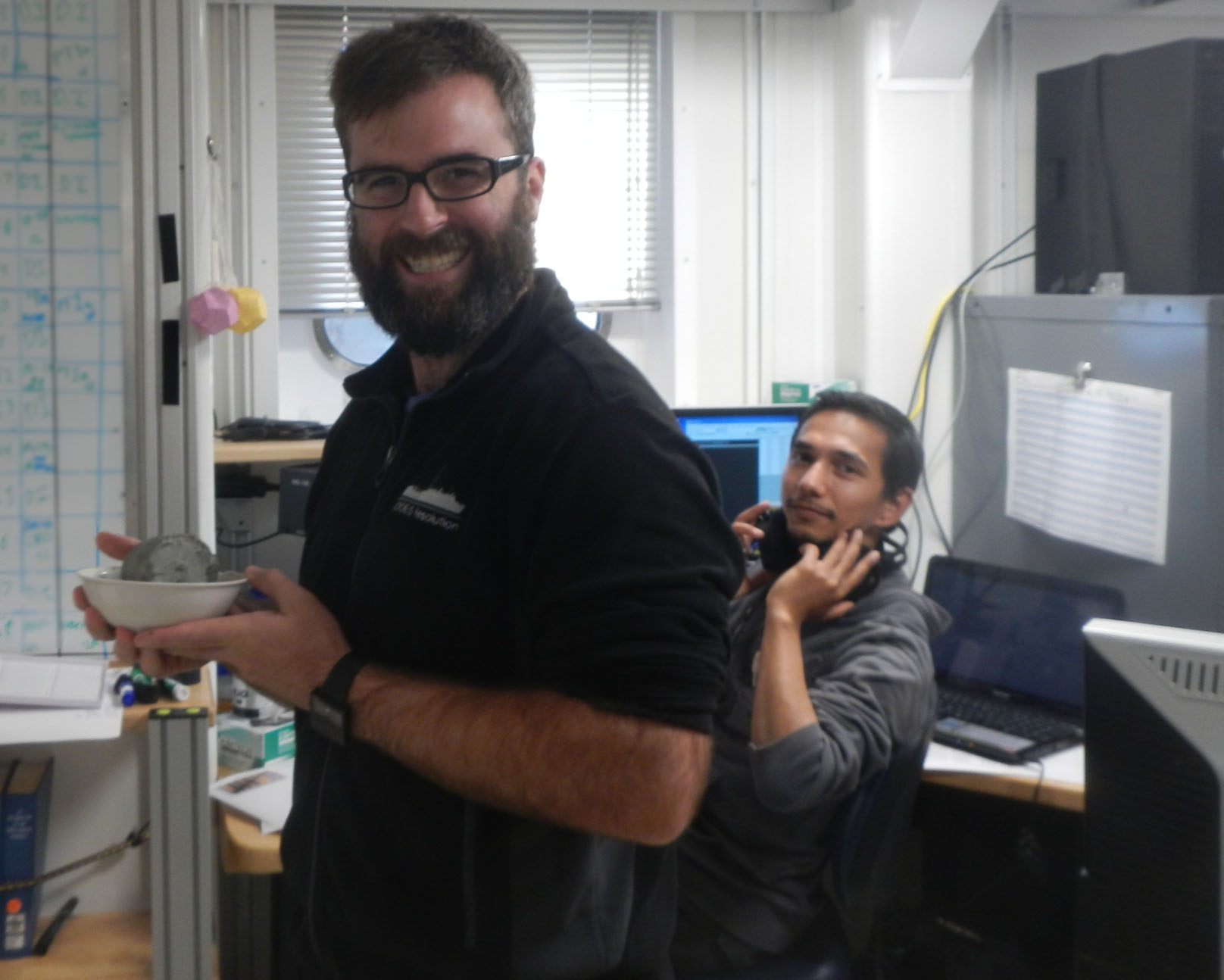
The big reveal at the #beckerlab reunion. Chocolate #Olys, and more! pic.twitter.com/3ygYYS10vC
— Bonnie J. Becker (@pisastero) July 10, 2016
]]>Annual Becker & Selkin lab party geoduck today!
Thanks @pisastero and @paselkin pic.twitter.com/FjZrw9HS2t— Megan Hintz (@BivalveFanatic) July 10, 2016
Getting started in programming is easier now than it ever has been in my memory. There are a ton of resources online. You don’t even need to install software on your computer to get started (though I’d recommend you do). What follows are some recommendations for students in my lab, but they go from general to specific, so if you are not a paleomagnetist/geophysicist, you can read until you feel like stopping.
Before you start, consider what programming language to learn. I recommend that my research students learn Python for the following reasons:
- It’s available for free.
- Even if you want nice add-ins and an easy-to-use editor, it’s still free for academic users.
- It’s what ESRI uses for a scripting language in ArcGIS, so if you do our GIS certificate program, you’ll use it.
- Programming in Python is relatively straightforward and forgiving.
- There are tons of add-in packages for all sorts of scientific purposes: if you don’t know how to write a complex piece of code, chances are someone has already done it for you.
- There are ways to interface with all sorts of nice graphics packages like plotly and other software packages like R.
- You can document what you do in notebooks, which you can share with the lab.
- For paleomagnetists: Lisa Tauxe’s PMAGPY software is written in Python.
There are a few other languages you’ll want to learn for specialized purposes:
- R, for statistics. We use it in our environmental stats course. It’s also free, has lots of add-ins, and is in wide use in academia and industry.
- Mathematica, for specialized tasks (mainly IRM acquisition modeling). I don’t know this one all that well!
- Matlab, for linear algebra. I don’t use Matlab so much anymore, since I can do most of the same things with Python or R… which are free. However, Matlab is widely used in geophysics.
What do you need to get started in Python? Although Mac computers come with Python installed already, I’d recommend installing Enthought’s Canopy software under an academic license. That gives you not only Python and the Matplotlib graphics add-on, but a nice way to keep track of and edit your programs or notebooks. It’s free for students and faculty, though you do need to register with Enthought. Otherwise, it’s a bit of a headache to try to install (if you are using a PC) and/or update Python, Matplotlib, and all of the other required stuff individually.
There are lots of resources available to help you learn Python. A list of the major ones is here. For the basics – if you are still just testing it out and haven’t installed anything yet – I like http://www.learnpython.org/ because it allows you to try things out in your browser window. However, learnpython.org does not teach you to use the Canopy software. A Canopy academic license allows you to use the Enthought Training on Demand tutorials. The Intro to Python tutorial looks really good. Has anyone tried it? Let me know how it is! Also, Lisa Tauxe’s PMAGPY Cookbook has some notes on using Python.
As a scientist, you will also want to get familiar with the NumPy, SciPy, and Matplotlib/Pylab packages (a package is the Python term for an add-in). Tutorials for these are available at python-guide, through Enthought, and in the PMAGPY Cookbook. There’s also a cool gallery of examples for Matplotlib.
The classic Numerical Recipes by Press et al. has lots of explanations of how to do common statistical and mathematical tasks in computer code. I don’t know if there’s a Python version out now (I have an old edition for the C language), but it’s a useful place to start for scientific programming. I’ve also found the book Programming Pearls by Jon Bentley useful for some things.
Now, for the specialized paleomagnetics stuff: download and install Lisa Tauxe’s PMAGPY package. This provides you with a set of programs that you can use to plot, manipulate, analyze, and model paleomagnetic data. Most have graphical user interfaces, and Tauxe has a good set of tutorials in the PMAGPY Cookbook. But it also provides a set of functions (pieces of code for performing specific tasks) that you can use in your own programs for common plotting and data analysis tasks.
]]>