
Generating RRP Clinical Course graphs
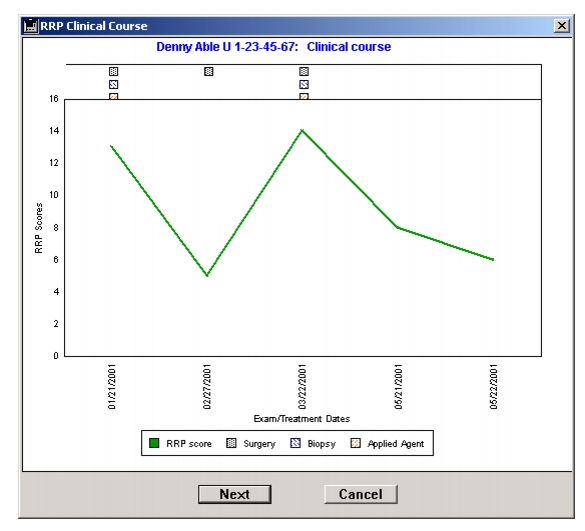
You can display or print a graph showing the RRP Clinical Course of one subject or a batch of subjects. To generate a RRP Clinical Course graph for one subject, open the Subject Studies form and select Reports > RRP Clinical Course. To generate RRP Clinical Course graphs for a batch of subjects, start from the Home Window or Subject List and select Reports > RRP Clinical Course. The Search for RRP Subjects form displays. Search for a set of subjects and drop the set onto the "Drop Selected Subject Set" box.
You will then be given the option to print or display the graphs on screen. Select OK and the graph(s) will be generated.
|
Otobase Otobase Web Site Voice: (206) 221-2430 Fax: (206) 221-5152 otobase@u.washington.edu |