Opening existing data files
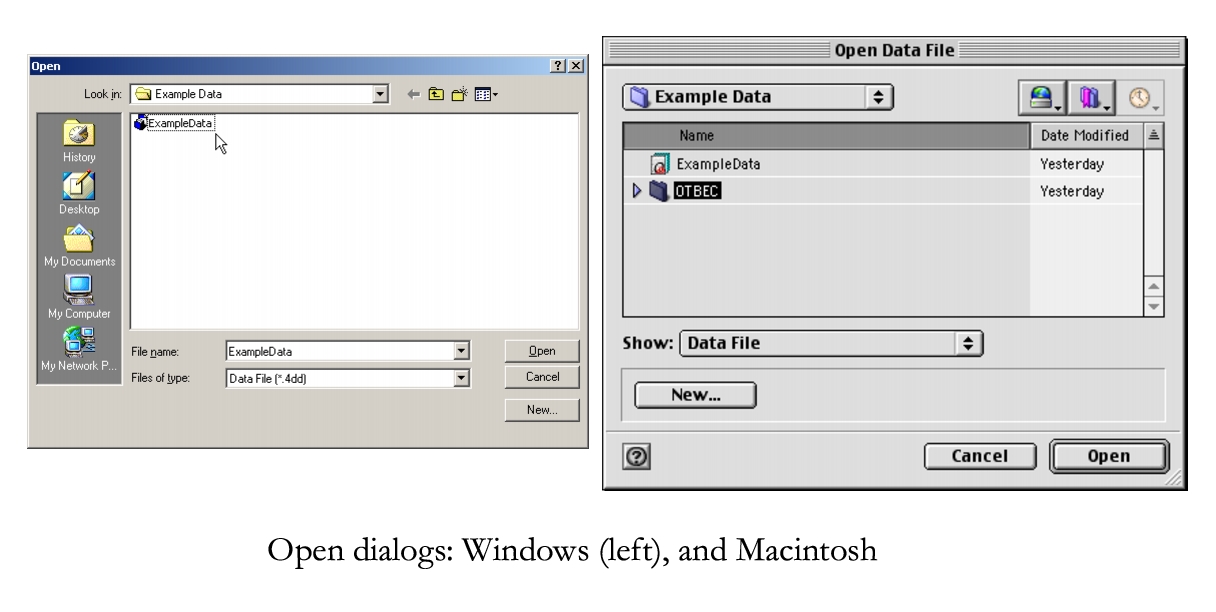
Otobase remembers the location of the last data file used if the file's name and location remain the same. If you wish to connect Otobase to a different data file, follow the procedure below.
Note: If you have moved or renamed an existing data file, the Open data file dialog will open automatically after you log in.To locate an existing data file
|
Otobase Otobase Web Site Voice: (206) 221-2430 Fax: (206) 221-5152 otobase@u.washington.edu |