
Changing the Home Windows logo
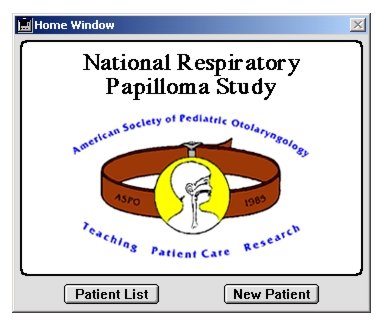
The Home Window in Otobase comes with a standard logo. You may wish to substitute your own picture or graphic to customize your version. Selecting this preference item will open a form displaying the current Home Window logo. You may then paste a new logo. The form displays the standard image size to help you design your logo
.
To install a new Home Window logoAfter your logo is saved, you can de-install the logo by selecting the logo and the Edit > Cut menu item. The default copyright logo will then be displayed again in the Home Window.
|
Otobase Otobase Web Site Voice: (206) 221-2430 Fax: (206) 221-5152 otobase@u.washington.edu |