

Simplifying and strengthening the brand
Remote treatment connects names of clinics, departments, service lines, and shared services to the UW Medicine logo in a visually unified way. This approach simplifies branding, highlights our integrated system, and improves navigation for patients and communities.
Key guidelines:
- Remote treatment uses the UW Medicine primary logo (or entity or tagline logos) with the department, clinic or service name presented in Encode Sans Narrow Bold, all caps and positioned separately.
- Maintain clear space equal to at least one “M” between the primary logo and the remote treatment.
- It can be positioned flexibly based on the specific application.
- The same guidelines regarding minimum size requirements, clear proper space and reverse applications apply to the remote treatment of logos
- It can be used with or without the gold diagonal slash; it cannot be used with the gold horizontal line.
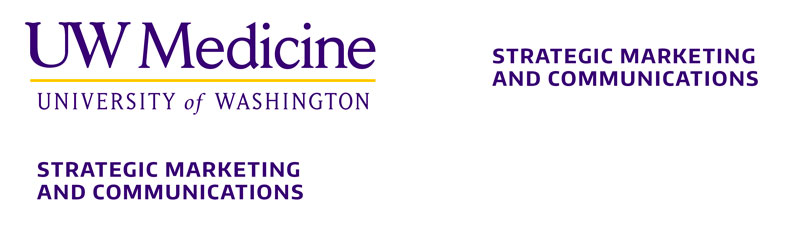
Example showing vertical and horizontal remote treatment.
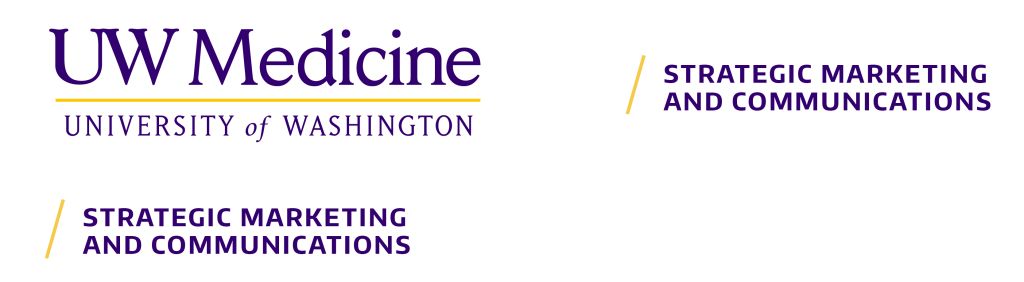
Example showing vertical and horizontal remote treatment using the gold diagonal slash
Remote treatment
A new remote treatment for clinics, units, departments, divisions, programs and shared services communicates their important role at UW Medicine. Service lines have the option of using remote treatment if using the primary logo or tagline is preferred.
Leading with our primary logo paired with the new remote treatment has several benefits:
- Emphasizes our “systemness” rather than individual parts
- Simplifies and streamlines the patient experience
- Communicates a consistent standard of care across all we do
- Provides a reputational halo effect from the broader system offerings
- Reduces the number of logos in the market, resulting in marketing flexibility and efficiency
- Reinforces a unified, collaborative culture across Care, Education, Research and Shared Services
- Increases community and national awareness
What is remote treatment?
Remote treatment features the UW Medicine logo in the most prominent position, with the offering (e.g., department, center, etc.) in text, visually distanced from our primary logo.
A remote treatment strategy ensures we highlight all we do as part of one unified system.
Service lines and specialties have the option to use remote treatment with the primary logo or the primary logo and tagline, instead of their logo.
Remote treatment sizing and placement flexibility
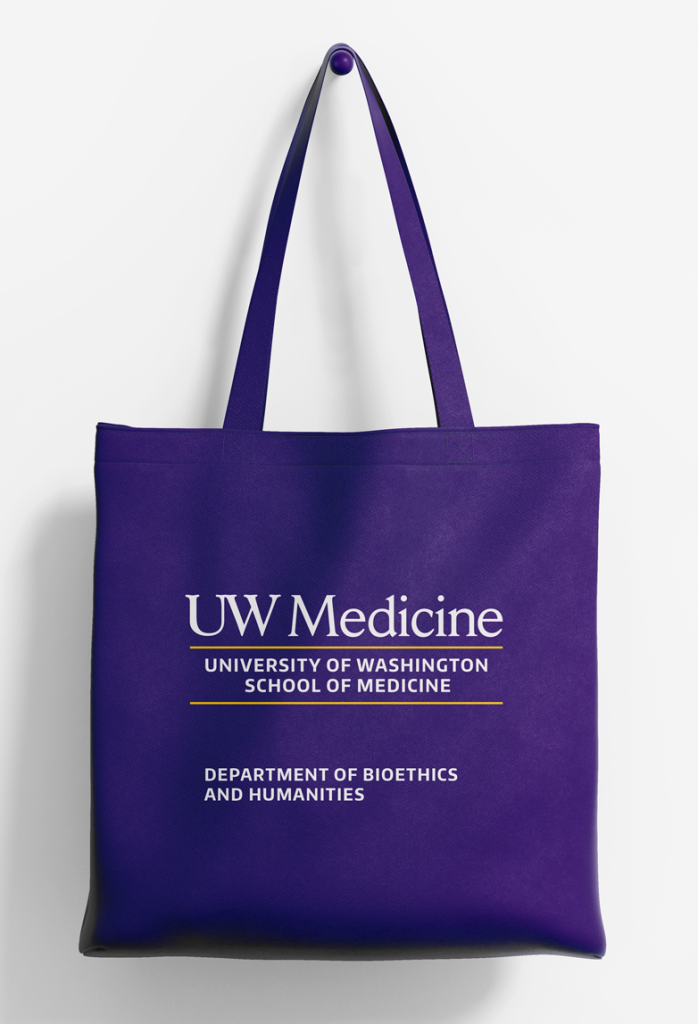
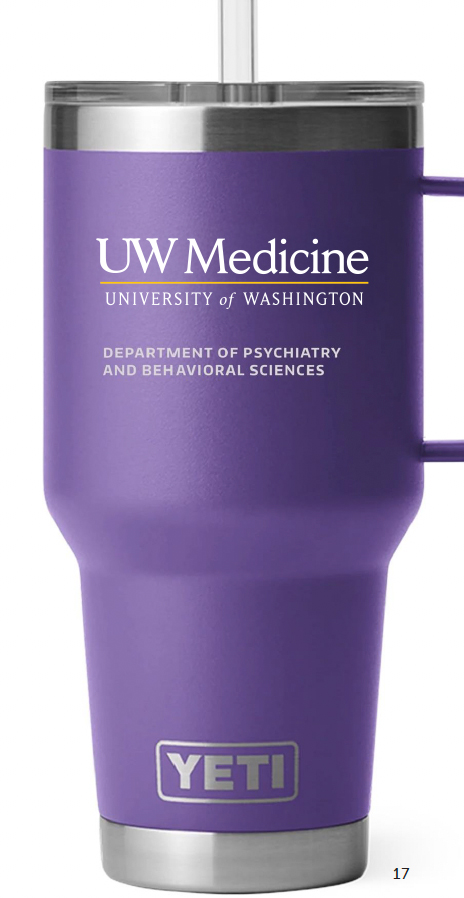
The remote treatment style is based on the logo lockups. In most cases, the remote treatment can be placed on the opposite side of a layout, aligned horizontally with the primary logo. In restricted spaces like the insulated mug below, the remote treatment should be aligned vertically with the primary logo and appear no closer than the logo “M” clear space. Remote treatments may appear with or without the diagonal gold slash and can be flexibly sized as a headline if preferred.
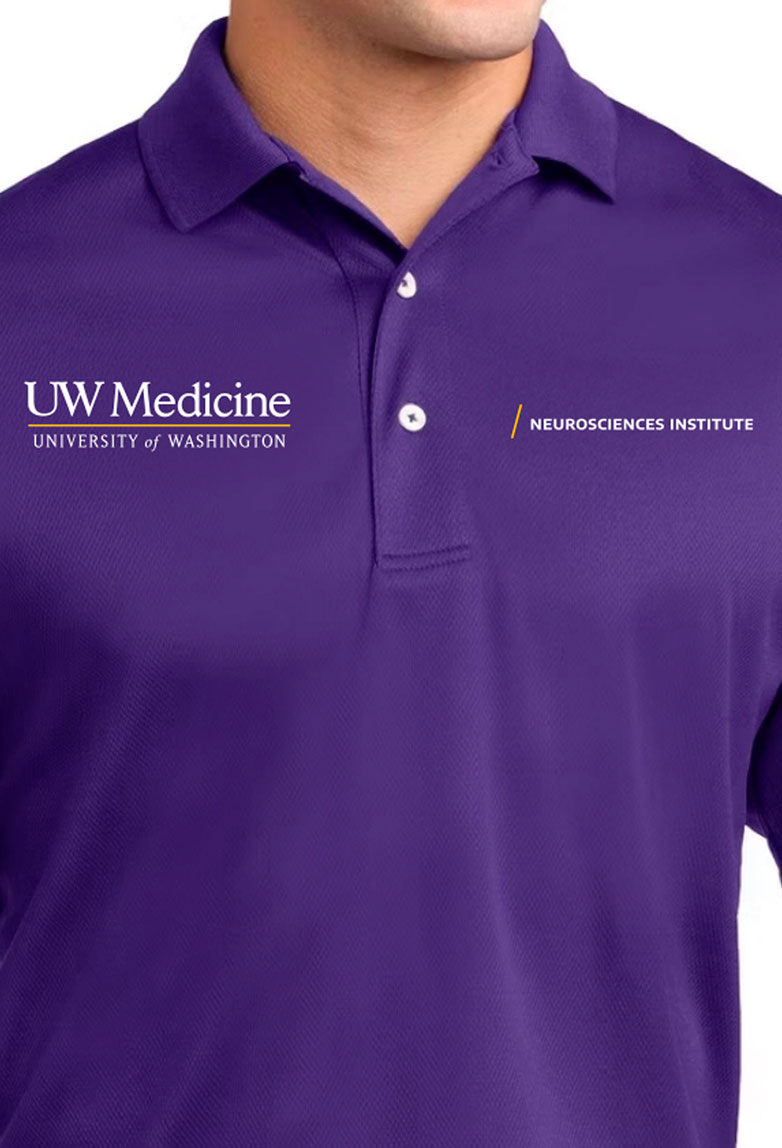
Minimum remote treatment spacing without gold slash

Minimum remote treatment spacing with gold slash

Remote treatment text height must be no taller than the University of Washington wordmark

Creating your remote treatment
You may use one of the templates (pictured below) or our remote treatment builder tool in Canva. To access the tool, you must be logged in to the UW Medicine Team or School of Medicine Team accounts on Canva. Please select the correct button link for your team.
Once your remote treatment has been created in Canva, follow these three easy steps to apply it to your design:
- Place the primary UW Medicine logo (or entity logo) on your layout.
- Place the remote treatment horizontally or vertically aligned to the primary UW Medicine logo, allowing for at least one “M” clear space.
- Size the remote treatment proportionately to the primary UW Medicine logo. The height of the text in the remote treatment must not exceed that of the University of Washington wordmark.
Unacceptable usage of remote treatment
The following examples illustrate remote treatment that does not adhere to UW Medicine brand guidelines.
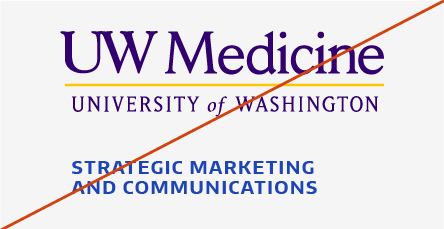
Don’t use unapproved colors for the remote treatment.
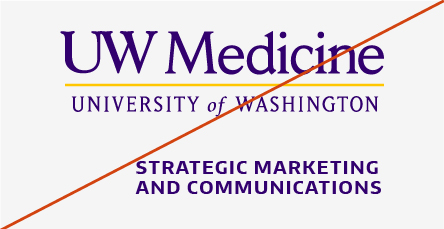
When stacked under the primary logo, don’t right-align the remote treatment. It should be left-aligned or centered.

Don’t use with an unapproved primary logo or unapproved name.
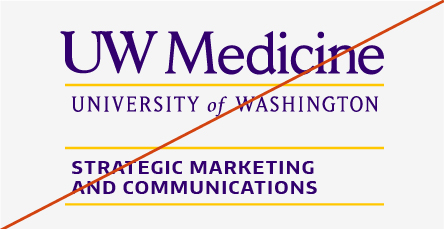
Don’t use the gold horizontal line with the remote treatment.
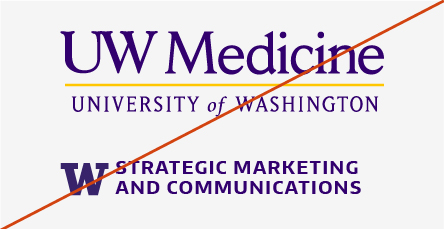
Don’t add icons or the block W to the remote treatment.
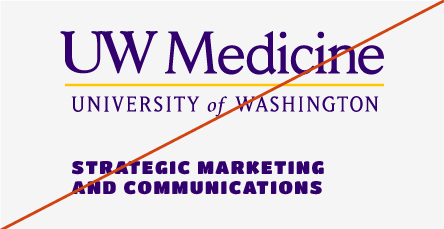
Don’t use an unapproved font.
Applying remote treatment
Remote treatment connects and simplifies navigation across most UW Medicine experiences: Care, Education and Research and Shared Services. See examples below for how remote treatment can be applied.
In the examples, the numbers indicate the following:
- UW Medicine primary logo (can be an entity logo or tagline lock-up logo)
- Remote treatment of a service line, speciality service or department
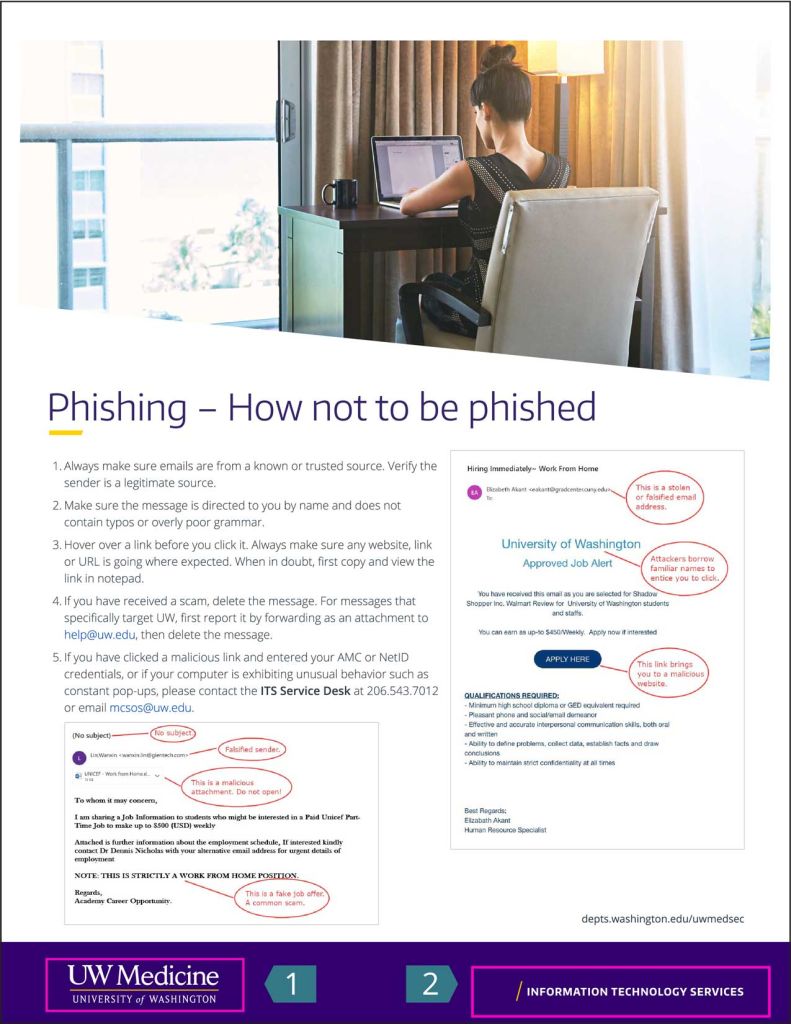
Example of fact sheet showing remote treatment using the gold slash with the
UW Medicine Primary logo (1) and shared services (2).


Example showing an entity logo (1) paired with an academic department where the department name (2) is used as the headline to a tri-fold brochure.
Example showing the primary logo (1) paired with a service line (2).
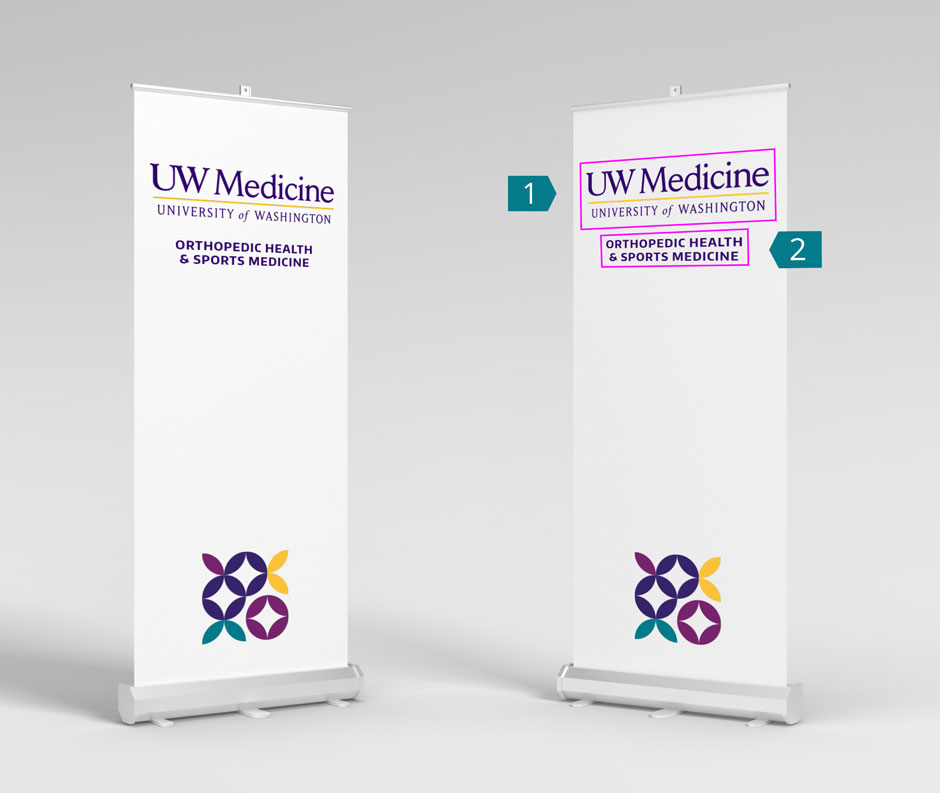
Example of pull-up banner logo placement for events showing the primary logo (1) and a service line (2).
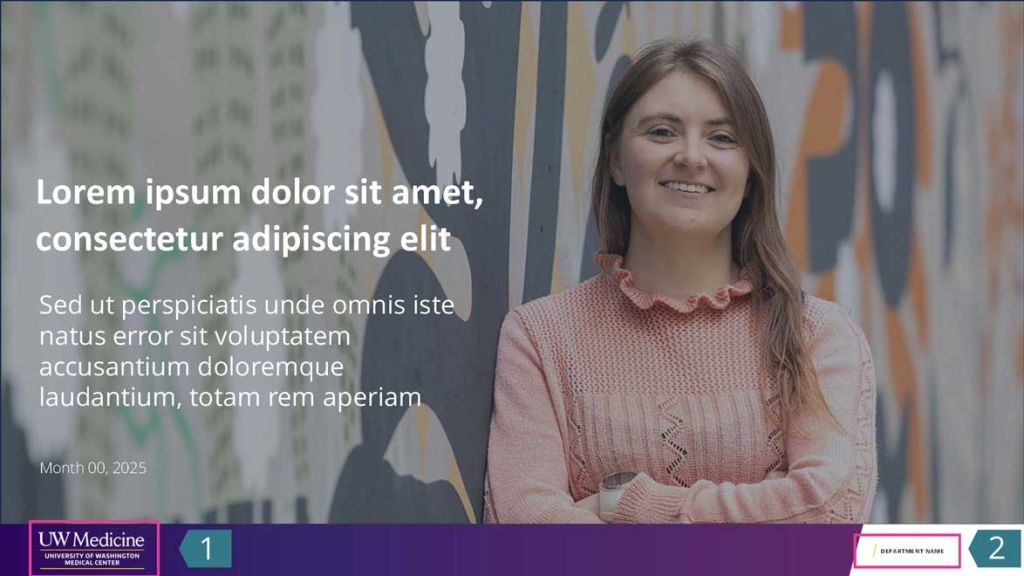
PowerPoint Presentation cover page example showing an entity logo (1) and department name (2).
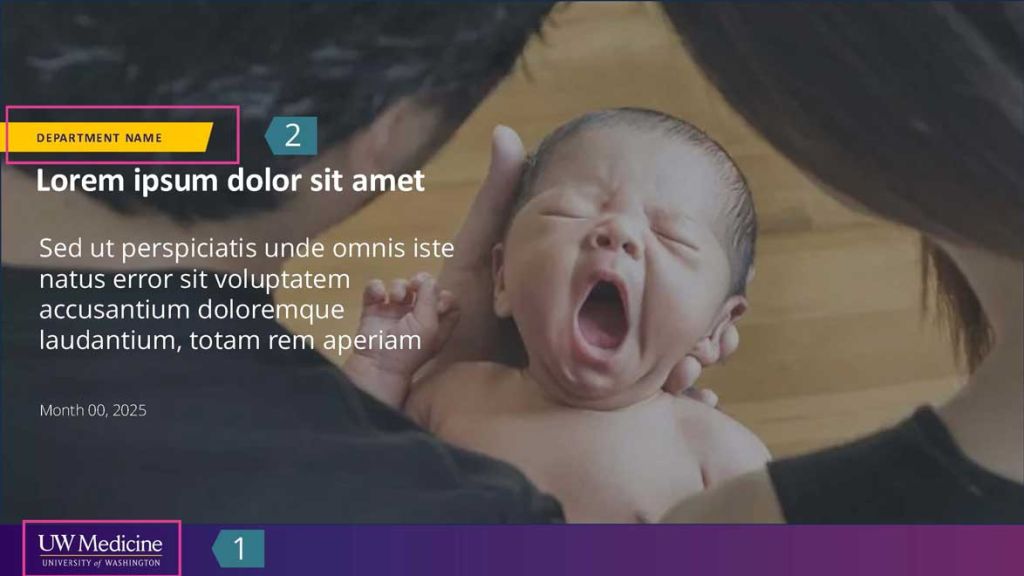
PowerPoint Presentation cover page showing the department name on the gold bar (2) and the primary logo (1).

Business card showing the primary logo (1) with the division name (2) and an entity logo on the back of the card.