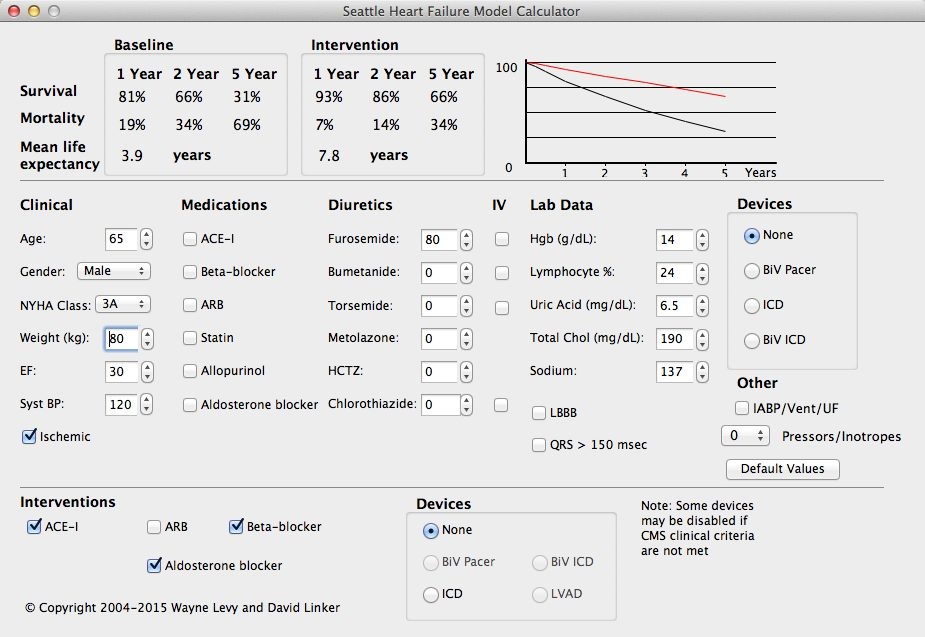
This Mac OS X® version of the Seattle Heart Failure Model
calculator is a release version (2.1), and is available for
download by health care
professionals. This version will not expire.
Please send
technical inquiries and other questions to shfm@u.washington.edu.
For licensing and sponsorship information of the Mac OS X®UW contact the UW Center for Commercialization (C4C) license@u.washington.edu
This version will only run on newer Macintosh® computers using an Intel® processor. Note that the version for PowerPC is no longer supported or available.
Download Mac OS X® Version for Intel® Here
NOTE: If you have problems downloading the Mac OS X® version, try pressing the control key while clicking
on the link above,
and then choose to download the file in the menu that comes up.
The file that you download is called SHFM_for_Mac_Intel.dmg. It is a disk image. To install on your computer, perform the following steps:
- Double click on the disk image file.
- Drag the file inside the window that appears to the location you want for the program. For most users, this will be the Applications folder.
- You can now drag the disk image to the trash to unmount it.